
Roofing receipt - make yours online, free
Proof of payment in a minute: what was paid, when, how, and what's left. Your logo on it, download a PDF. No signup needed.
Your company
fromWho’s it for
toReceipt setup
one box to configure the receiptPayment received
leave the amount blank if paid in fullBalance due after this payment: $0
Notes, terms & warranty
all optionalIn the app, AI generates warranty, terms and notes - one click, then edit.
- Site protection & setup1 ea × $0 $0
- Driveway & property protection1 ea × $0 $0
- Tear off existing roof to deck1 sq × $0 $0
- Inspect & re-nail decking1 sf × $0 $0
- Drip edge1 lf × $0 $0
- Ice & water shield1 roll × $0 $0
- Synthetic underlayment1 sq × $0 $0
- Starter strip1 bundle × $0 $0
- GAF Timberline HDZ architectural shingles1 sq × $0 $0
- Step & counter flashing1 lf × $0 $0
- Pipe boots & penetration flashing1 ea × $0 $0
- Ridge vent + hip & ridge caps1 ea × $0 $0
- Cleanup & haul-away1 ea × $0 $0
Date
Built free at m2q.ai
Free - no account needed to build it.
More free tools roofers actually use
Every one is free, forever - no signup, no catch.
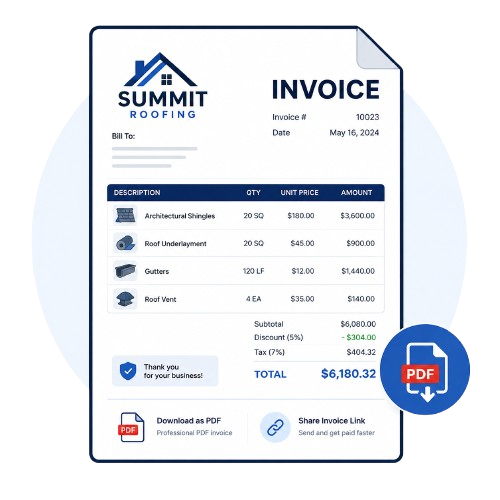
Free roofing invoice
Line items, tax and discounts, priced your way. Download as a PDF or share a link.
Try it free →FreeFree quote templates
37 roofing quote templates written by roofers. Pick one, edit the lines, send it.
Try it free →Free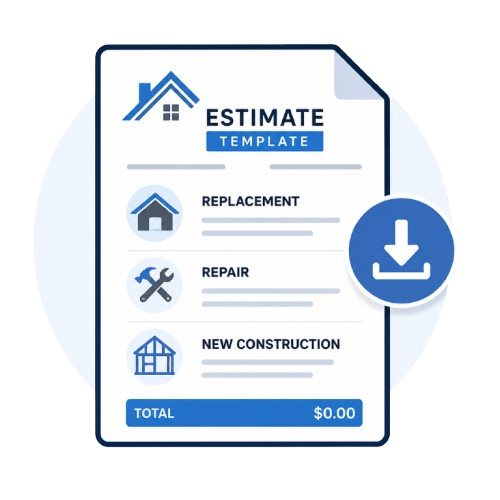
Free estimate template
The scope of work already written - replacement, repair and new construction.
Try it free →Free
Sales pitch generator
A ready-to-say script for the door, the phone, or a follow-up text - in seconds.
Try it free →Free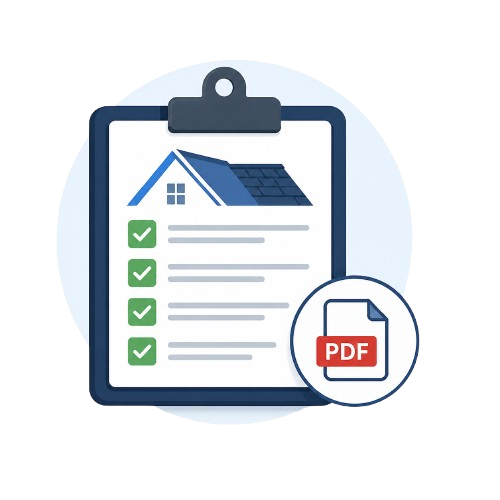
Inspection checklist
Residential and commercial checklists, or fill one in and download a branded PDF report.
Try it free →Free
Digital business card
Logo, photo, gallery and About section - a shareable link with click-to-call and save-to-contacts.
Try it free →Free
Job site weather app
Rain, wind and heat for every job address, and a heads-up before rain hits. iPhone and Android.
Try it free →Roofing receipts, answered.
Is this roofing receipt template free?
Yes. Build it right here, no account needed. You only sign up if you want to save it and keep every job's paperwork in one place.
What should a roofing receipt include?
Your business name and contact details, your customer, the work you did, the total, the amount paid, the payment date and method (card, bank transfer, check or cash), a check or reference number, and the balance left. This template has a place for each.
Can I make a receipt for a deposit or partial payment?
Yes. Type the amount that came in and the receipt shows the balance still due. Leave it blank and it's marked paid in full.
What's the difference between an invoice and a receipt?
An invoice asks for payment; a receipt proves it was made. Need the invoice first? Use the free roofing invoice builder.
Do you have a roofing receipt template in Word or Excel?
Not as a download - build it here instead. It adds everything up for you, and you still get a proper document: download it as a PDF and send it however you like.
Can I add my logo?
Yes. Upload it once and it sits at the top of the receipt with your business name, address and contact details. Or type your website and we'll pull your brand in for you.
Can receipts go out automatically?
In the M2Q app, yes: when a payment is recorded or paid online, the receipt is created and sent on its own. See roofing payments and receipts.
Let receipts send themselves.
In M2Q, every payment - card, bank, check or cash - lands on the invoice and the receipt goes out on its own.